Automate Appointment Reminders Without Sounding Robotic: A More Human Digital Experience
In today’s fast-paced healthcare environment, appointment reminders are a must. They reduce no-shows, improve scheduling efficiency, and save valuable time for staff. But here’s the catch: if your reminders sound cold, generic, or overly automated, patients may ignore them—or worse, feel like just another number.
That’s where smart automation for small clinics makes a difference. With the right tools and approach, you can send timely, professional reminders that feel personal, caring, and aligned with your brand.
In this article, you’ll learn how to automate appointment reminders that work—without sacrificing the human connection that keeps patients coming back.
Why Appointment Reminders Matter More Than Ever
-
No-shows cost you revenue and time. Even one missed appointment a day can represent thousands in annual losses.
-
Patients are busy. Life happens—reminders help patients stay on track.
-
Digital habits are growing. Most patients expect texts or emails, not phone calls.
But automation without empathy can lead to a sterile experience. To be effective, reminders need to be timely, friendly, and helpful.
How to Automate Reminders Without Losing the Human Touch
1. Personalize Every Message
Use your software to automatically include the patient’s name, appointment date/time, provider’s name, and location. A message that says:
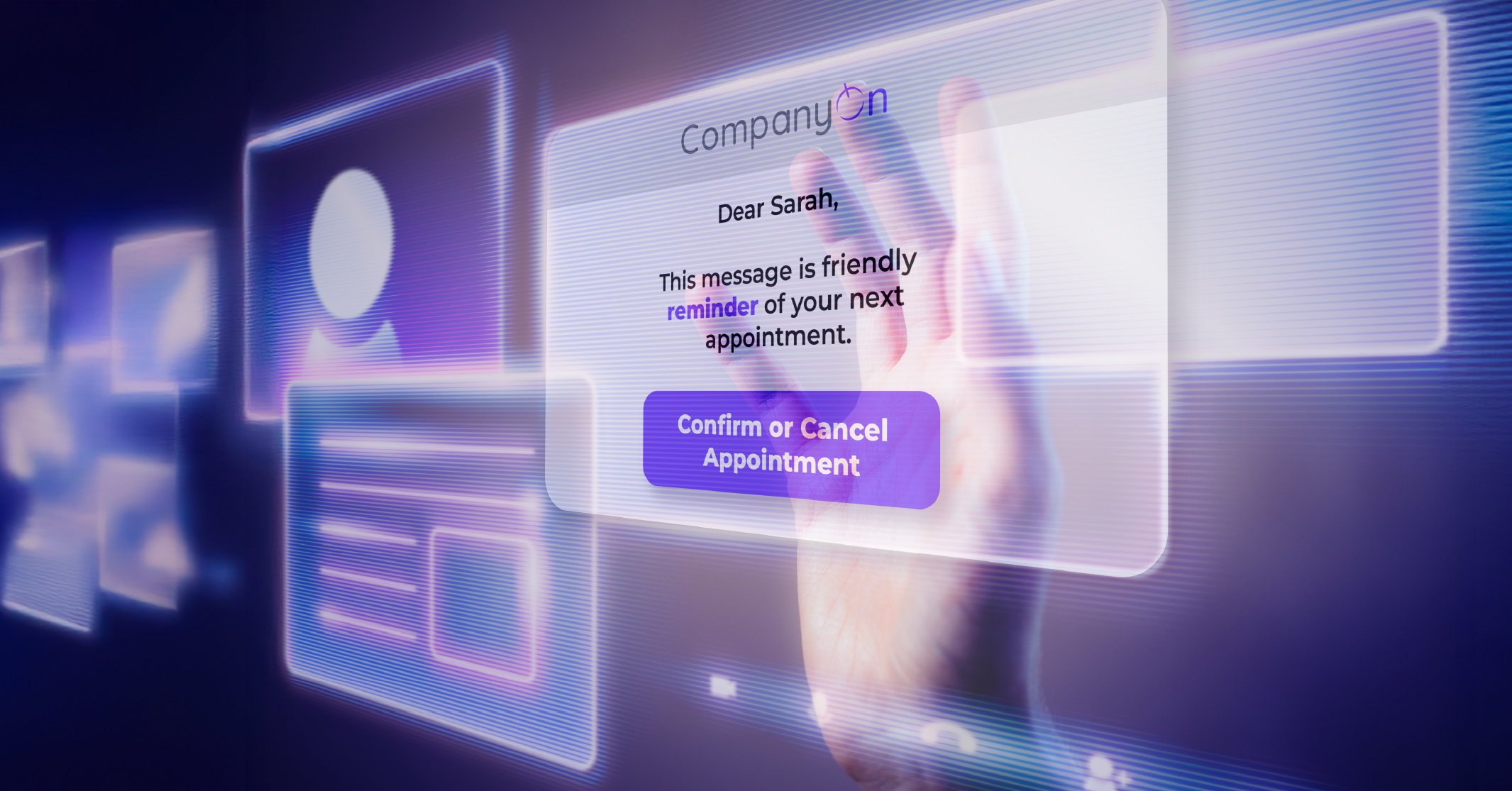
Hi Sarah, just a friendly reminder of your visit with Dr. Chen on Tuesday at 10:30 AM. We look forward to seeing you at CompanyOn Clinic!
…is far more engaging than:
You have an appointment scheduled. Reply YES to confirm.
The first builds connection. The second feels like a spam text.
✅ CompanyOn lets you personalize automated reminders with dynamic fields that adjust based on the patient and appointment.
2. Choose the Right Channels
Not every patient prefers the same method of communication. Some like SMS. Others prefer email. A few may still want a call.
Use your intake form or patient profile to let people choose their preferred channel. This small touch shows respect for their communication style—and increases response rates.
💡 Learn how to improve engagement by offering options in How to Better Engage Your Clients by Leveraging Technology.
3. Time It Right
Don’t wait until the last minute. A strategic reminder schedule looks like this:
-
First reminder: 48 hours before the appointment (gives time to reschedule if needed).
-
Final reminder: 2–4 hours before (prevents same-day forgetfulness).
With automation, you can set this schedule once and trust that it will run without manual intervention.
4. Use Friendly, Human Language
Avoid cold or robotic language like “This is a system-generated notification.” Instead, keep it warm, simple, and professional:
-
“We’re excited to see you soon!”
-
“Got questions before your visit? Just reply to this message.”
Your brand voice should come through, even in automated messages.
5. Make It Easy to Confirm or Reschedule
A reminder is only useful if the patient can act on it. Include a one-click confirmation button or a link to reschedule their visit.
When patients can respond without having to call your clinic, they’re more likely to stay engaged.
🔁 Explore how online booking systems integrate with reminders to simplify this process.
6. Reinforce Trust and Privacy
Patients appreciate transparency. Let them know that reminders are secure and their information is protected. Include your clinic’s name in every message to avoid confusion and build trust.
Real Benefits of Smart Reminder Automation
Practices using humanized automation for reminders report:
-
Up to 60% reduction in no-show rates
-
Less admin time spent chasing appointments
-
Higher patient satisfaction, due to thoughtful digital experiences
Automation for small clinics isn’t just about saving time—it’s about creating better patient relationships at scale.
How CompanyOn Helps You Automate Without Sounding Automated
With CompanyOn, you can:
-
Send fully personalized reminders via SMS and email
-
Let patients confirm, cancel or reschedule in seconds
-
Automate follow-ups post-appointment
-
Customize language and timing to match your practice’s tone
Our platform is built for solo practitioners and small clinics that need simple, effective tools to run smoother — without losing the human side of care.
Learn more about our appointment management features.
Conclusion
Appointment reminders are one of the easiest and most impactful areas to automate in your clinic. But they don’t have to feel robotic. With the right approach, you can build a system that’s efficient and human.
By combining thoughtful messaging, patient preferences, and automation tools, you’ll not only reduce no-shows—you’ll reinforce trust, loyalty, and connection with every interaction.
Ready to modernize your reminder system without sacrificing the personal touch? Explore how CompanyOn helps small practices create a more human digital experience.
Ready to make the switch?
Try Our Platform Free for 14 days.
See CompanyOn in Action
Schedule A Free 1:1 Personalized Demo