
It is Sunday night before payday and you are still at the kitchen table. One spreadsheet holds the schedule, another holds the mileage logs caregivers texted in, and a stack of paper timesheets does not quite agree with either. A PSW swears she worked an extra 45 minutes on Thursday. Another caregiver’s travel between two clients is missing entirely. You fix what you can, guess at the rest and hope nobody calls on Monday.
The short answer: accurate caregiver payroll starts at the visit, not in the back office. When every visit automatically captures verified start and end times, the travel between visits and the kilometres or miles driven, payroll becomes a review step instead of a reconstruction. Electronic visit verification (EVV) is the most reliable source of real hours, and connecting it to payroll removes most of the errors that cost caregivers’ trust.
Why payroll errors hurt more than you think
For many caregivers, a paycheque that is short, late or confusing is the moment they start looking at other agencies. Home care wages are often tight, and caregivers notice every missing quarter hour and every unpaid drive between clients. A single error might be fixed with a correction, but a pattern tells caregivers the agency does not value their time.
Payroll problems also create risk. Wage and hour rules apply to home care in both countries. In the US, federal rules extended minimum wage and overtime protections to most home care workers employed by agencies, and many states add their own requirements. In Canada, provincial employment standards govern minimum wage, overtime and, in many cases, how travel time between clients is treated. Requirements vary by province and state, so confirm the rules that apply to you with your regulator or an employment advisor. This article is general guidance, not legal advice.
And there is a cost to your own time. Agencies running payroll from spreadsheets often spend hours every pay period matching schedules to timesheets, chasing missing entries and answering disputes. Pay accuracy is also one of the biggest drivers of retention, as we cover in how to reduce caregiver turnover.
What every visit should capture for payroll
If the data is not captured at the visit, someone will have to guess at it later. Make sure each visit record includes:
- Caregiver and client. Who provided the service and to whom.
- Service type and pay code. Personal care, companionship, nursing, respite or live-in, since pay rates often differ by service.
- Scheduled start and end time. What was planned.
- Verified check-in and check-out. What actually happened, captured on a mobile app at the point of care.
- Visit location. Confirms the caregiver was at the client’s service address.
- Travel time from the previous visit. The gap between clocking out at one client and clocking in at the next, when it falls within the same workday.
- Mileage or kilometres driven. Between clients, and any errands driven on the client’s behalf.
- Breaks and unpaid time. Meal breaks, sleep time on overnight or live-in shifts, and gaps that are not compensable under your rules.
- Differentials. Weekend, holiday, overnight or short-notice premiums.
- Edits and approvals. Any manual change to hours, with a reason and who approved it.
Notice that most of these overlap with what EVV already records for compliance. That is the point: the same visit data that satisfies your state Medicaid program or provincial funder should feed payroll directly, instead of being re-entered.
Hours, travel time and mileage: how to handle each
Visit hours: let EVV be the source of truth
Paper timesheets and texted hours are easy to dispute and hard to verify. Mobile check-in and check-out at the client’s home, with location verification where your EVV program requires it, gives you a timestamped record both sides can trust. When a caregiver forgets to clock out, the system flags an exception for a coordinator to resolve with a documented reason, instead of someone rewriting the record days later. Clean EVV data also protects you at audit time, as explained in our guide on how to pass an EVV audit.
Travel time: define it, then calculate it
Travel between clients during a workday is commonly treated as working time under US federal wage rules and under many provincial employment standards, while a normal commute from home to the first client and back from the last often is not. Your exact obligations depend on where you operate. Once you know your rules, write a clear policy and calculate travel time from the actual gap between visits, not from estimates. Caregivers should be able to see how their travel was counted.
Mileage: capture it per trip
Mileage reimbursement is usually set by agency policy, often guided by the IRS standard mileage rate in the US or the CRA’s reasonable per-kilometre allowance in Canada. Whatever rate you use, collect mileage per trip, tied to the visits on either end, rather than as a weekly total someone remembers on Friday. Planning routes so caregivers drive less also lowers this cost, which we cover in route optimization for community care.
Hourly payroll vs. commissions: know which model you run
Some agencies pay caregivers purely by the hour. Others, especially those with nurses or therapists, mix hourly pay with per-visit rates, bonuses or commissions. The data needs are different:
| Pay model | Based on | Key data needed |
|---|---|---|
| Hourly | Verified time worked | EVV clock-in and clock-out, travel time, breaks, overtime |
| Per-visit | Completed visits | Visit status, service type, documentation completed |
| Commission or bonus | Services sold or delivered | Billed services, rates, approval rules |
| Mileage reimbursement | Distance driven | Per-trip kilometres or miles, linked to visits |
If you combine models, keep them clearly separated so a caregiver can see exactly where each dollar came from. For the commission side, see our article on automating staff commissions in home care without spreadsheets.
A payroll workflow that replaces the spreadsheet

Here is a simple rhythm that works for most agencies, whether you have 10 caregivers or 200:
- Daily: A coordinator reviews EVV exceptions (missed clock-ins, missed clock-outs, location mismatches) and resolves them with a reason while details are fresh.
- Weekly: Review overtime risk before it happens. Spotting a caregiver heading past the overtime threshold on Wednesday is cheaper than paying it on Friday.
- End of pay period: Run a timesheet report directly from verified visits, including travel and mileage. Review flagged items only, not every line.
- Approve and export: Approve timesheets and send them to your payroll provider or accountant in one clean file.
- Share with caregivers: Let caregivers see their verified hours, travel and mileage before payday so questions come up early, not after the deposit.
The biggest shift is mental: you stop building payroll and start reviewing it.
How the right software helps you run payroll without spreadsheets
Payroll accuracy depends on the same thing as billing accuracy: one trusted record of every visit. CompanyOn is practice management and EVV software built for home care agencies, trusted by 1K+ practices across Canada & US with a 4.8/5 average rating.
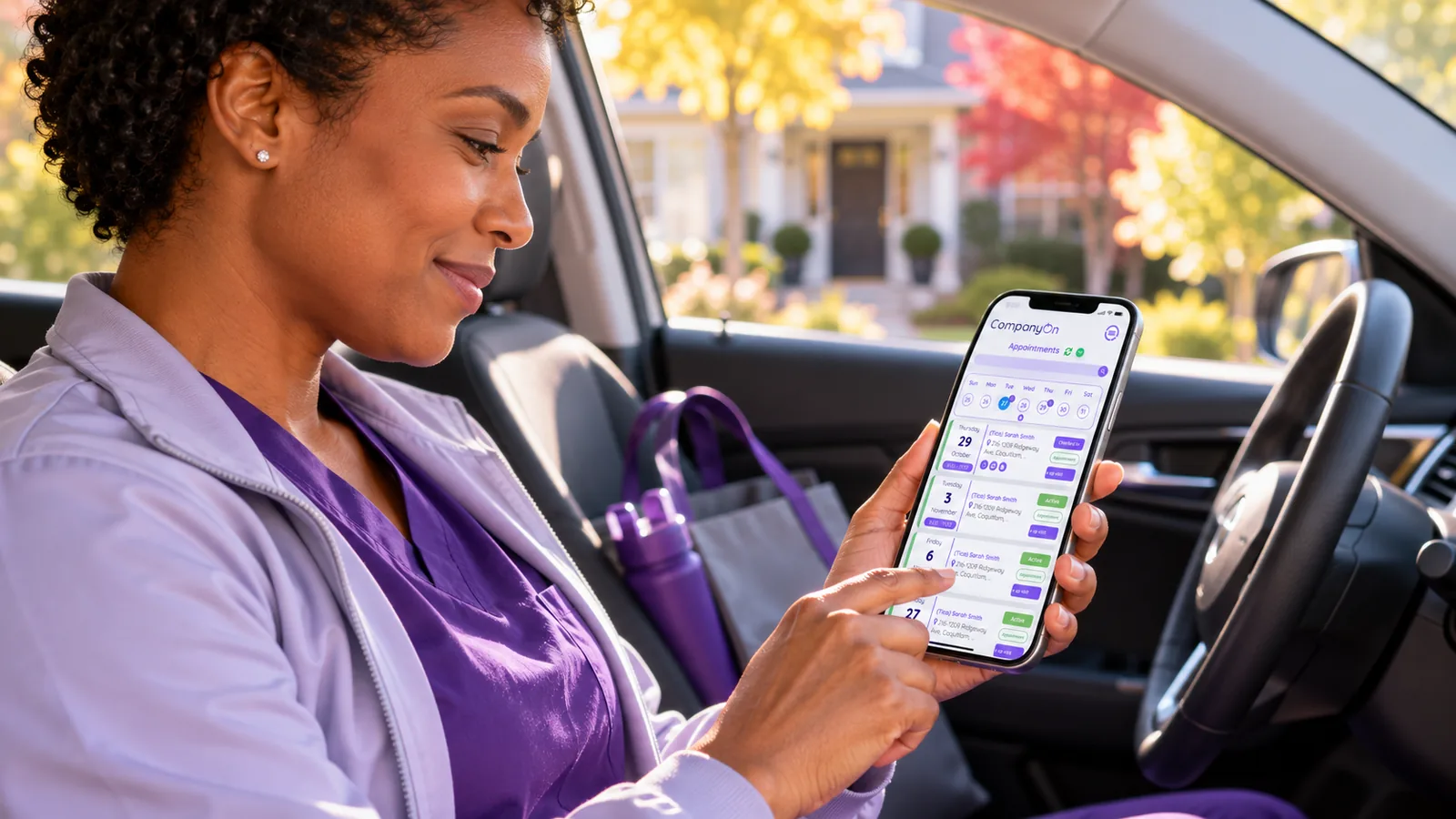
Scheduling sets the plan, the caregiver mobile app records check-in and check-out at the point of care (with EVV workflows for supported agencies), and visit notes document what happened. Google Maps routing produces mileage estimates between clients for any practitioner and date range, so reimbursement starts from a consistent figure instead of a texted guess, and non-client errands can be logged as expenses. Because scheduling, visit records, documentation, billing and invoicing live in one system, appointment and financial reports give you verified hours and mileage for payroll from the same data you bill from, so the hours you pay and the hours you invoice match. CompanyOn is not a payroll processor; it gives your payroll provider or accountant clean, verified inputs. Everything runs with HIPAA and PIPEDA aligned security and SSL protection. See how it fits your agency on our home care agency and EVV solutions page.
Frequently asked questions
How do home care agencies track caregiver hours accurately? The most reliable method is EVV, where caregivers check in and out on a mobile app at the client’s home, with location verification where the program requires it. Verified visit times replace paper timesheets and give both the agency and the caregiver a record they can trust.
Do home care agencies have to pay for travel time between clients? In many cases, yes. Travel between clients during the workday is commonly treated as working time under US federal wage rules and many provincial employment standards, while the commute to the first client usually is not. Rules vary by province and state, so confirm with your regulator or an employment advisor.
How should caregiver mileage be reimbursed? Most agencies set a per-kilometre or per-mile rate by policy, often guided by the CRA’s reasonable allowance rates in Canada or the IRS standard mileage rate in the US. Track mileage per trip and tie it to visits so it is easy to verify.
What data does payroll need from each visit? Caregiver, client, service type, scheduled and verified times, location, travel time, mileage, breaks, any pay differentials and a log of manual edits with approvals.
Can EVV data be used for payroll? Yes, and it should be. EVV already captures verified start and end times for compliance. Using it as the source for payroll avoids double entry and keeps the hours you pay aligned with the hours you bill.
How can I reduce payroll disputes with caregivers? Capture hours at the visit, write clear policies for travel and mileage, resolve exceptions daily with documented reasons and let caregivers see their verified hours before payday.
Make payday the easiest day of the week
When hours, travel and mileage are captured at the visit, payroll stops being a weekend project and caregivers stop chasing corrections. Book a demo to see how CompanyOn connects scheduling, EVV and reporting so payroll starts from verified visits, or start your free 14-day trial and run it with your own team.